
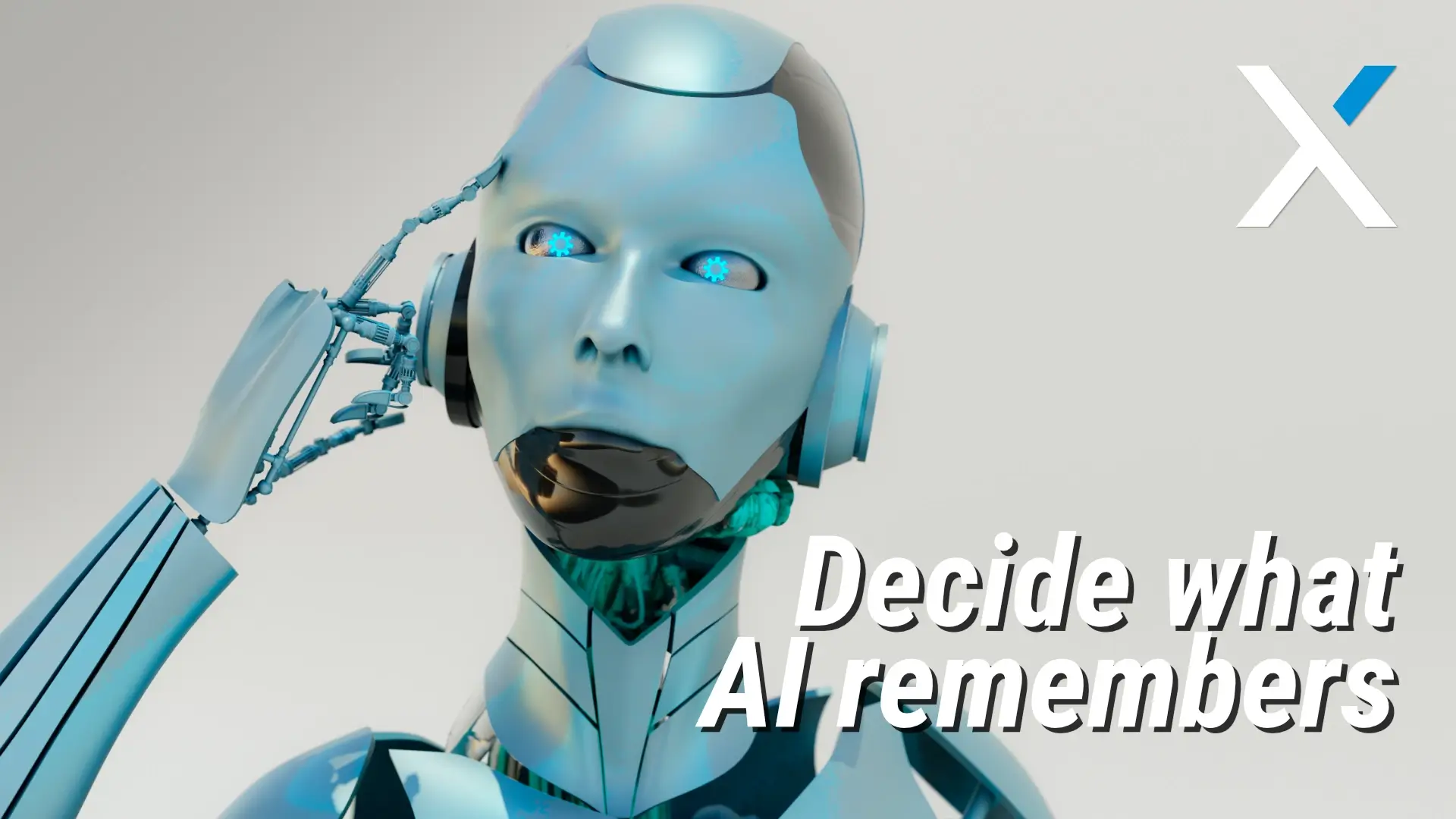
You shouldn’t have to tell your assistant twice how you like things formatted. Or remind your software (again!) that certain clients get a different tone, or that your leadership team prefers bullet points, not essays.
AI is smart. But most of it forgets faster than a tired office manager on a Friday afternoon.
That means every day starts with digital déjà vu: correcting, retyping, re-explaining.
It’s not just annoying. It’s a drain. On time, energy, and your already stretched-thin focus.
Microsoft’s rolling out something that might finally give you a break: Copilot Memory. It’s designed to help you stop repeating yourself and start working like your tech actually knows you.
Smart Tools, But No Memory
You rely on consistency. Whether it’s proposals, internal updates, or client-facing docs – things need to look, sound, and feel right.
But most AI tools act like strangers every time you open them. They don’t recall that you want all customer updates to lead with the win, or that the CFO hates jargon, or that “Always attach the safety sheet” is your non-negotiable.
So you catch the errors. You tweak the language. You redo what tech should’ve handled. Meanwhile, the day isn’t getting longer, and the inbox isn’t getting smaller.
Microsoft saw that gap. Copilot Memory is their answer.
What Copilot Memory Does
This new feature lets Microsoft’s AI assistant remember how you work across Word, Outlook, Teams, Excel, and more.
You can say, “Remember that I want summaries in bullet form” or “Remember that Carla handles our West Coast clients,” and Copilot stores that. Next time you need a draft or reply, it brings that context with it. No more handholding.
Even better? You’re in control. You can view what’s remembered, edit, or delete anything. Or just turn it off altogether. That means you get the benefits without sacrificing security or oversight.
What You Get Out of It
This isn’t a gimmick. It’s a step toward making your tech act like part of the team.
Consistency Without Micromanaging
Copilot applies your preferences across docs, emails, and spreadsheets, whether it’s you or someone else creating them.
Quicker Ramp-Up for New Hires
New team members can benefit from the AI’s memory of your standards, helping them get up to speed without endless checklists.
Less Mental Load, More Focus
You don’t have to repeat yourself. That frees your brain for strategic work while Copilot takes care of the knowns.
Fewer Mistakes in the Margins
When AI understands your context, tone, and terminology, there’s less clean-up and fewer awkward errors slipping through.
How to Put It to Work
Define Your Defaults
Start with the basics: tone, formatting, repeat phrases, disclaimers, and naming conventions. Tell Copilot what matters.
Assign Oversight
Decide who can set or edit memory preferences. A mix of operations and tech folks usually works best.
Educate Your Team
Show everyone how to use the memory dashboard. It’s simple, but powerful, especially for the tech-cautious.
Focus on High-Use Tasks First
Start with the stuff you do all the time: invoices, client updates, internal check-ins. Build memory where it’ll help most.
Review Quarterly
Things change. Make time every few months to clean up or update what Copilot remembers.
Final Word
When your work demands precision, and your time is already borrowed against tomorrow, Copilot Memory gives your tools the one thing they’ve been missing: memory.
It won’t change everything overnight. But it can take one more weight off your shoulders and help your tech act a little more human.
And let’s be honest, wouldn’t it be nice to stop saying, “No, not like that. Like the last one”?