
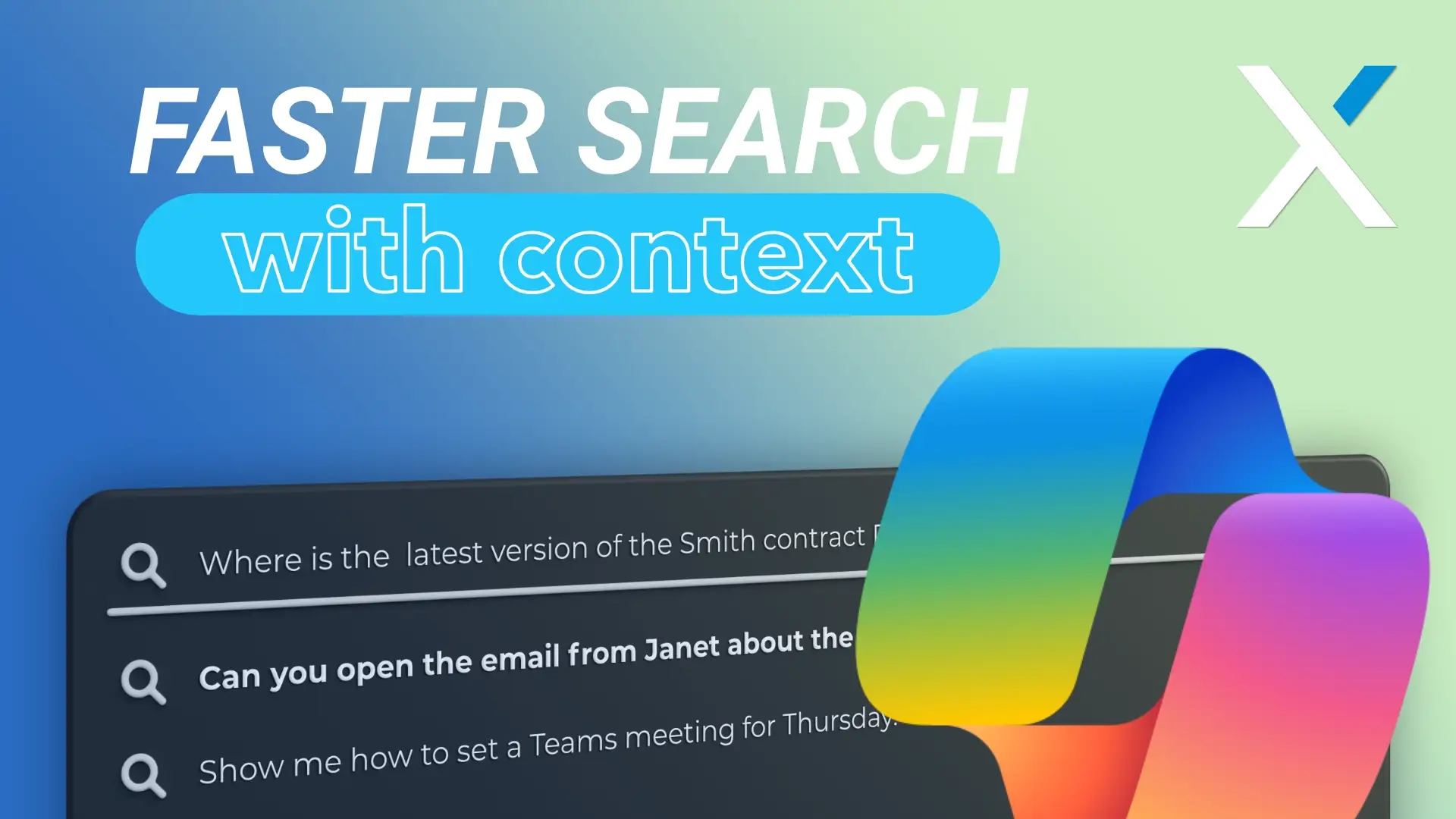
Business owners just can’t afford to spend the time and energy with apps that bury the file you want five folders deep. It’s like trying to run an obstacle course with your staff’s time. They are juggling different schedules, answering questions, putting out fires, trying to keep the wheels turning. The last thing you want to be doing is taking time to locate something or trying to get the technology to cooperate.
Ask Copilot, a new feature of the Windows 11 Taskbar, was designed to alleviate such daily annoyances..
Unlike some AI tools that feel like they were designed in a vacuum, Ask Copilot stays grounded and relevant. It sits quietly on your taskbar until you need it. It doesn’t take over. It doesn’t force itself into your workflow. But when you do ask, it listens and it understands what you’re really trying to do.
Why It Matters
Most search engines can locate a file if its name is known. What search engines cannot do is interpret the request:
- “Open the quote from last month’s HVAC project.”
- “Find the Excel file I updated after the team meeting.”
- “How do I create a recurring Teams meeting for Thursdays?”
These aren’t simply searches. These are queries layered within context. This type of input has a purposeful home in Ask Copilot. It can find you a document, get you to the relevant email, walk you through an area, or even pick up some of that tech busywork.
In other businesses where the employees already have too much on their plates, that is actually very useful and a relief.
The Basics of How It Works
Ask Copilot appears on your taskbar as a search bar on a Windows 11 computer just like the current search bar. You formulate a question using natural language and Ask Copilot uses Microsoft APIs and Windows Search functionality to carry out a response to your question.
If you have a Microsoft 365 Copilot license, you can unlock additional features for your business as well. These features include voice control, where you can give instructions to your computer without typing, and Microsoft Copilot Vision, where Microsoft’s AI “sees” whatever you have on your screen and reacts accordingly. This can turn your computer desk into a system that functions in sync with you, not just for you.
In a case where, say, you’ve got a PDF open and need to draft a reply based on its contents, Copilot can help craft that message without forcing you to switch windows or hunt for tools.
Availability and Opt In Choice
Rollout is happening gradually, beginning with Windows Insider Program members and then eventually to all Windows users.
Ask Copilot does not come turned on by default. It is an opt-in product. This, of course, speaks to a critical difference between any business with compliance concerns, unique workflows, or just a generally natural hesitation about jumping headfirst into AI too quickly.
Here’s how that works:
- You turn it on only if you want to (Settings > Personalization > Taskbar > Ask Copilot).
- You can use it alongside your usual search bar or replace it entirely.
- It honors the same privacy rules and access levels already built into Windows.
Rolling it out Thoughtfully
Just because a tool is available doesn’t mean it belongs in everyone’s workflow right away. A smart move would be to strategically test it.
- Ascertain the use case first. Roles and activities that can be made less repetitive with the help of Copilot should be identified.
- A pilot with a small number of individuals. The functionality could be enabled among a set of users engaged in performing a high number of document searches and administrative inquiries.
- Train your team members. Some recommended discussion topics would involve training classes on how to craft quality survey question contributions effectively using voice responses, also referred
- Review. Keep an eye out for the effect it has, review it with the pilot group, and solicit feedback regarding their use experience. Alter your polices regarding increase in things such as productivity, comfort, etc. Given that Ask Copilot respects existing Windows privacy settings and that the same level of access is granted as Windows Search, there isn’t an unexpected pathway to private data.
Why It’s Worth Considering
The most expensive part for businesses is distraction. Every time your staff pauses while trying to find something, trying to solve a simple problem, that’s lost momentum. Not in minutes, but in momentum.
Ask Copilot doesn’t promise the impossible. They won’t solve all problems. However, one thing small business owners need now more than ever is something Ask Copilot provides: a quiet, reliable helper who’s always on call when you are and quiet when you’re not.
It’s not that flashy. It’s simply useful. Sometimes that’s all that’s required within a business.